Verified Demo Progress Transfer Details
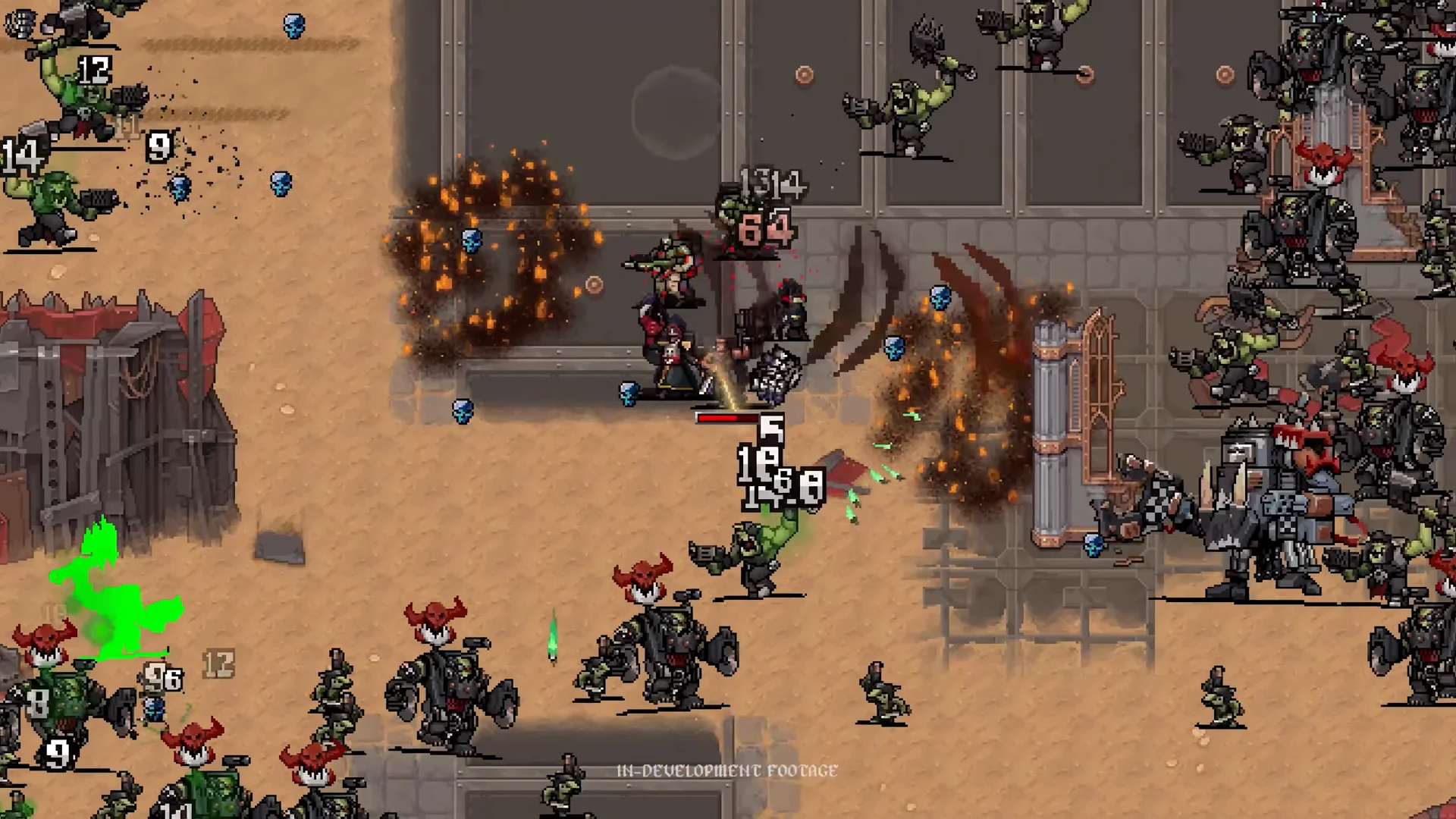
A common anxiety for players diving into pre-launch game demos is whether their hard-earned progress, unlocked achievements, and accumulated currency will be wiped when the full game releases. For Warhammer Survivors, developers Auroch Digital and publisher partners have confirmed that demo progress transfers seamlessly to the full game.
Whether you spent hours farming gold with Malum Caedo or mastering the Demo Walkthrough, your accomplishments will be waiting for you on Release Date.
What Carries Over vs. What Resets
| Progression Category | Transfers to Full Release? | Notes & Details |
|---|---|---|
| Total Gold Currency | YES (100% Transfer) | All unspent gold earned during demo runs transfers directly to your main Armoury wallet. |
| Armoury Meta Upgrades | YES (100% Transfer) | Spent points in Pickup Radius, Movement Speed, and Cooldown Reduction persist permanently. |
| Unlocked Champions | YES (100% Transfer) | Any champion unlocked via demo achievements will be immediately playable on day one. |
| Steam Achievements | YES (Retroactive Sync) | Unlocked demo milestones will trigger their corresponding retail Steam achievements on launch. |
| Active In-Run States | NO (Run Resets) | If you pause in the middle of a 20-minute run, that specific session will not carry over. |
How the Automatic Save Transfer Works
The save architecture for Warhammer Survivors uses a unified profile structure shared between the demo client (AppID: 3669630) and the full retail client (AppID: 3669620):
- Automatic Detection: When you install and launch the full game for the first time on November 10, the executable scans your local profile directory for existing demo records.
- Seamless Migration: If demo save data is found, the game automatically imports your stats and presents an "Inherited Demo Progress" confirmation prompt.
- Steam Cloud Sync: If you play across multiple computers or on a Steam Deck, Steam Cloud synchronization ensures your demo profile is retrieved from valve servers automatically.
Local Save Backup Instructions (PC)
If you want to manually verify or back up your demo save before launch:
- Press
Win + Ron your keyboard to open the Windows Run dialog. - Paste the following directory path and press Enter:
%LOCALAPPDATA%\AurochDigital\WarhammerSurvivors\Saved\SaveGames\ - Locate
PlayerProfile.savand copy it to a secure backup folder on your desktop.
Preparing Your Account for Day One
To ensure your account is primed for maximum efficiency on launch day:
- Farm at least 10,000 gold in the demo to instantly max your Armoury Meta Progression.
- Master the Evolution Guide and memorize the top wargear combinations in our Evolution Recipes List.
- Verify that your PC or handheld meets the hardware requirements outlined in our System Requirements & Steam Deck Guide.